

Your rewards aren't "glitched"—they are gone.
If you are hunting for Pie Adblocker alternatives, you’ve already realized the hard truth: the extension that promised to pay you for your attention has broken that promise.
Following the full enforcement of Google's Manifest V3, the “Robin Hood” model of blocking ads while earning crypto is effectively dead. Pie has shifted away from being a simple rewards-based ad blocker and now aggressively promotes a secondary “Shopping” extension as its primary monetization path, signaling a move toward affiliate-style revenue rather than user-first ad blocking.
You need a replacement immediately. But the right tool depends on whether you want to save your browsing experience or your bank balance.
Quick Verdict: The Best Pie Adblocker Alternatives
What is the best alternative to Pie Adblocker?
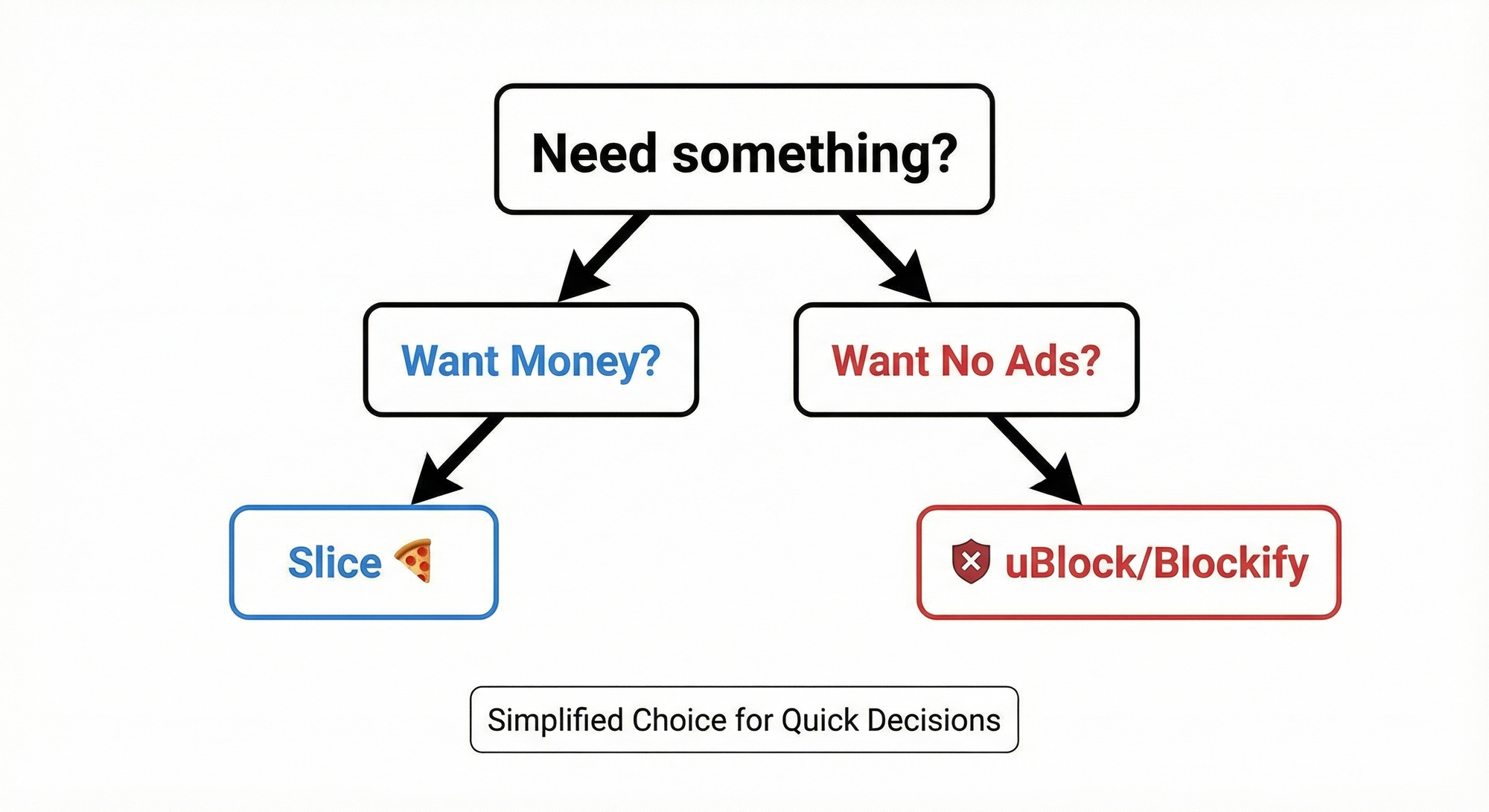
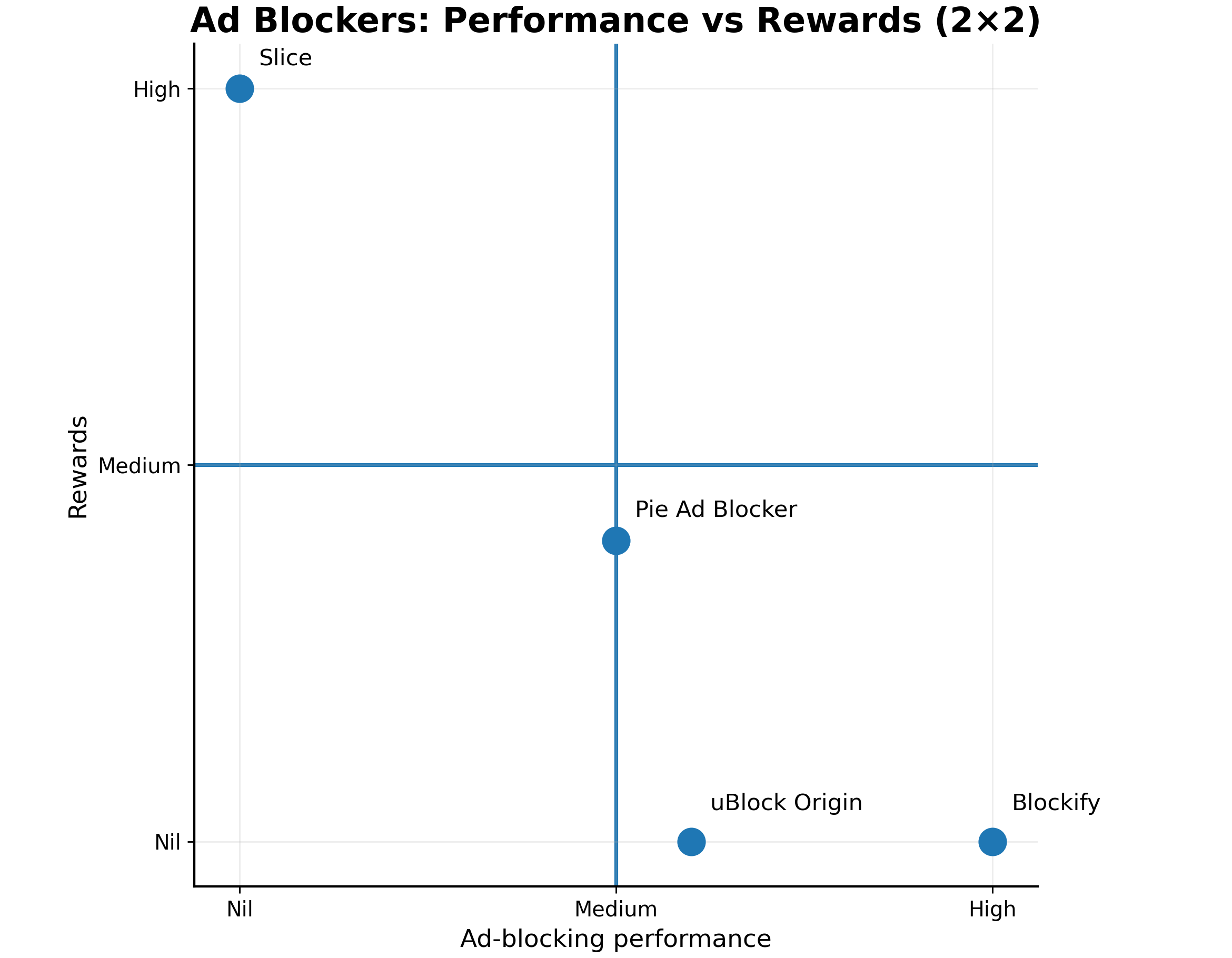
The best alternative depends on your goal. For pure ad blocking without tracking, uBlock Origin is the industry standard. For users who specifically want to fix Spotify or Twitch streams, Blockify is the superior media choice. If you are willing to sell your data for passive income, Slice is the only remaining functional rewards overlay.
- Best for Media (Spotify/Twitch): Blockify – Specializes in audio/video ad injection blocking.
- Best for Money: Slice – The successor for "browsing for cash" (requires ad viewing).
- Best for Privacy: uBlock Origin – Zero tracking, open-source, and blocks everything.
3 Critical Reasons to Uninstall Pie Adblocker Immediately
Keeping Pie installed hoping for a "patch" is a security liability. The platform you trusted in 2023 no longer exists.
1. The "Bait and Switch" (Manifest V3 Compliance)
Google’s Manifest V3 update enforced a strict "Single Purpose" policy. An extension cannot legally be both a content blocker and a rewards program simultaneously.
Pie complied by gutting the rewards feature. To earn now, users must install a separate “Pie Shopping” extension. Analysis confirms this extension requests "Read and change all your data" permissions, which grants it broad access to browsing activity. This secondary app tracks shopping behavior in order to inject affiliate links, effectively replacing the original passive rewards model with an active affiliate-driven monetization system.
2. The Security Risk (Defense in Depth Failure)
Pie frequently prompts users to disable superior tools like uBlock Origin, claiming "compatibility issues."
This is misleading. Pie demands you remove other blockers to ensure their affiliate trackers are the only ones running. By complying, you remove your primary defense against malicious scripts just to run a rewards program that yields negligible returns.
3. The Code Controversy
Credible January 2025 reports have circulated suggesting Pie’s blocking engine may utilize code from open-source projects like uBlock Origin without proper attribution. Entrusting your browser data to a company accused of ethical violations in the open-source community is a gamble.
Top Pie Adblocker Alternatives (Categorized by Intent)
Do not install a generic free blocker. Choose the tool that solves the specific void Pie left behind.
1. The Media Consumer’s Choice: Blockify
Best for: Users who hate interruptions on Spotify, Twitch, Hulu, and YouTube.
If you used Pie to ensure a seamless playlist or stream, Blockify is the upgrade you need.
Standard ad blockers struggle with "Server-Side Injection," which is why you still hear audio ads on Spotify. Blockify uses a content-aware engine designed specifically for media platforms.
- Spotify: Mutes and skips audio ads without breaking the web player.
- Twitch: Proven effective against recent purple screen updates. Bypasses the "Commercial Break in Progress" screens more effectively than generic blockers.
Get Clean Streaming with Blockify
2. The "Passive Income" Refugee: Slice
Best for: Users who want to get paid and accept data monetization.
If you don't care about privacy and only want the payout, Slice is the logical successor.
The Reality Check:
Slice is an ad injector, not a blocker. It places banner ads over the websites you visit. This architecture complies with Google’s new rules because it doesn't interfere with the site's native code. You are explicitly selling your attention span and browsing history. If you accept that transaction, Slice offers the payout reliability that Pie lost.
3. The Privacy Purist: uBlock Origin / uBO Lite
Best for: Users who want maximum security and zero tracking.
If you realized Pie was tracking you and want to go in the opposite direction, uBlock Origin is the answer.
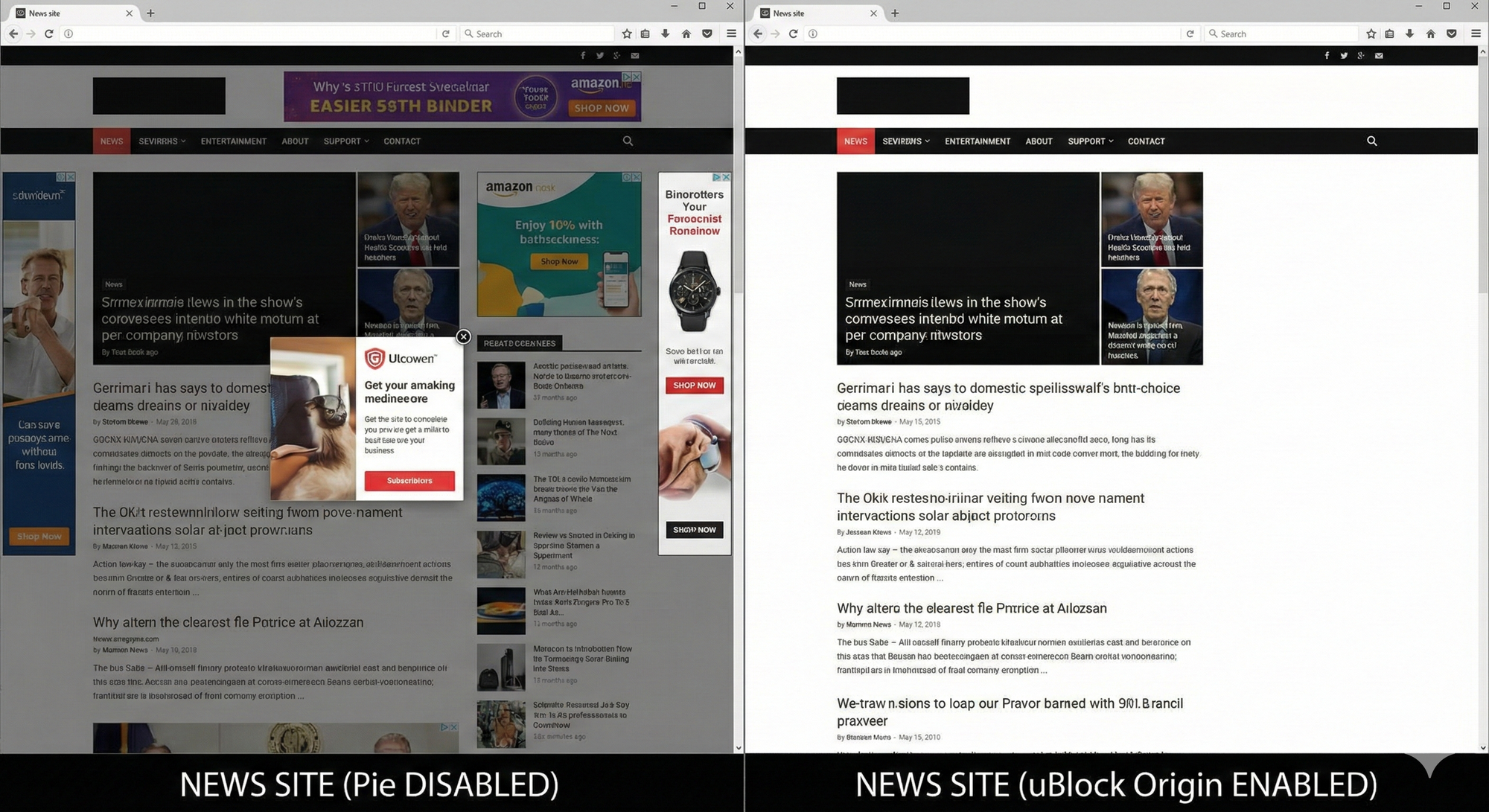
- For Firefox Users: Install uBlock Origin. It remains the most CPU-efficient, wide-spectrum blocker in existence.
- For Chrome Users: Install uBlock Origin Lite. Built specifically for Manifest V3, it provides robust protection without the invasive permissions Pie demands.
Comparison Table: Pie vs. The Top Contenders
See exactly what you gain (and lose) by switching.
| Feature | Pie (Current State) | Blockify | Slice | uBlock Origin |
|---|---|---|---|---|
| Primary Function | Rewards-Based Ad Blocking & Cashback | Media Ad Blocking | Ad Replacement | Privacy Protection |
| Blocks Spotify Ads? | No | Yes (Specialized) | No | No |
| Blocks Twitch, Hulu Ads? | No | Yes | No | No |
| Passive Income | Dead/Separate App | No | Yes | No |
| Privacy Risk | High | Zero | High | Zero |
FAQ: Common Questions About Pie Adblocker
Why did Pie Adblocker stop giving rewards?
Google's Manifest V3 update prohibits extensions from bundling ad-blocking and rewards functionalities. Pie was forced to split these features, effectively killing the native rewards system.
Is Pie Adblocker a virus?
While not a traditional virus, Pie exhibits "adware-like" behavior by aggressively pushing third-party shopping extensions and tracking user data for affiliate revenue.
Can I withdraw my remaining Pie points?
Many users report withdrawal failures. It is recommended to attempt a cash-out immediately, though success is not guaranteed.
How to Switch from Pie Safely
Pie leaves background processes that can interfere with your new tools.
- Attempt Cash Out: If you have a balance, try to withdraw immediately.
- Full Uninstall: Right-click the icon and select Remove from Chrome. Ensure you remove the "Pie Shopping" companion extension as well.
- Sanitize: Run a quick scan with a tool like Malwarebytes to ensure no affiliate trackers remain.
- Install Replacement: Download uBlock Origin (for privacy) or Blockify (for media).
Conclusion: Stop Waiting for the "Old Pie" to Return
Pie Adblocker didn't just break; its business model was banned. Holding onto it now means viewing ads you don't want, for rewards you won't receive, while exposing your data to third parties.
- For Media: Use Blockify to clean up Spotify and Twitch.
- For Money: Use Slice if you are willing to view ads for cash.
- For Security: Use uBlock Origin to lock down your browser.
Upgrade your security today and leave the "passive income" myths behind.




Join the Discussion