

Is your phone overheating while blocking ads? Are you tired of "white space" glitches breaking your favorite websites? You aren’t alone.
While AdGuard is a titan in the privacy space, users searching for better AdGuard alternatives are increasingly frustrated with its "kitchen sink" approach—bundling a VPN, extension, and filter lists into one heavy app that often creates as many problems as it solves. From the impending Manifest V3 changes crippling Chrome extensions to battery drain on Android, the one-size-fits-all era is ending.
In 2026, the best AdGuard alternatives don't try to clone it. They specialize. Whether you need surgical precision for streaming, a lightweight cloud filter for mobile, or a system-level fortress for Windows, the right tool depends on your specific bottleneck.
Quick Answer: What are the best ad blockers and AdGuard alternatives?
The best AdGuard alternative depends on your platform and privacy goals:
- Best for Streaming (Spotify/YouTube): Blockify – Uses content-aware scripting to mute or skip media ads without breaking the stream.
- Best for Chrome Users (Manifest V3): AdLock – A system-level app that filters traffic before it reaches the browser, bypassing Google’s extension limits.
- Best for Mobile Battery Life: NextDNS – A cloud-based firewall that blocks ads at the DNS level with zero battery drain.
- Best for Privacy & Anti-Telemetry: Portmaster – An open-source application firewall that visualizes and blocks background "phone home" connections.
- Best for Home Networks: Technitium – A robust, self-hosted DNS solution superior to AdGuard Home for complex setups.
The "Architecture-First" Framework: Stop Looking for Clones
Most users fall into a trap: they look for an exact clone of AdGuard. This is a mistake. The primary reasons users leave AdGuard are structural:
- The Battery Drain: AdGuard for Android uses a local VPN slot to filter traffic. This keeps the CPU active, with some user reports citing SoC temperatures rising significantly (Source) and battery life dropping by 15–20%.
- The "White Window" Bugs: On desktop, injecting CSS rules into every page load can cause white space glitches, leaving ugly empty boxes where ads used to be.
- The Origin Concern: AdGuard was founded in Moscow. While they have moved HQ to Cyprus and rely on developers in Ukraine, users seeking strict geopolitical distance often prefer software with no historical ties to Russia.
The solution is unbundling. You need to choose a tool based on where it blocks ads: the Browser (Lightweight), the System (Powerful), or the Network (Invisible).
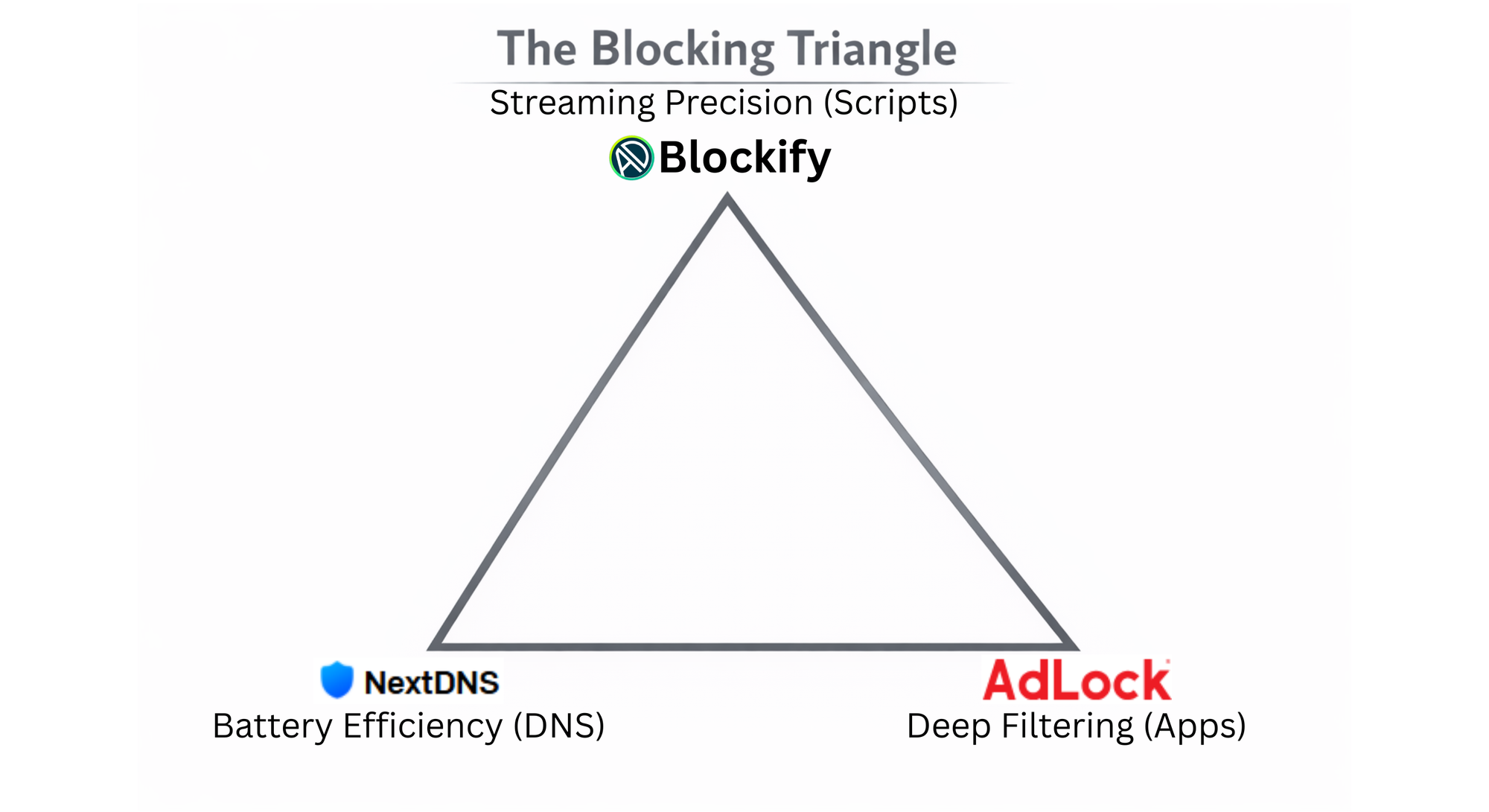
1. The "Streaming & Media" Specialist: Blockify
Best for: Users tired of audio interruptions on Spotify and unskippable video ads on YouTube/Twitch.
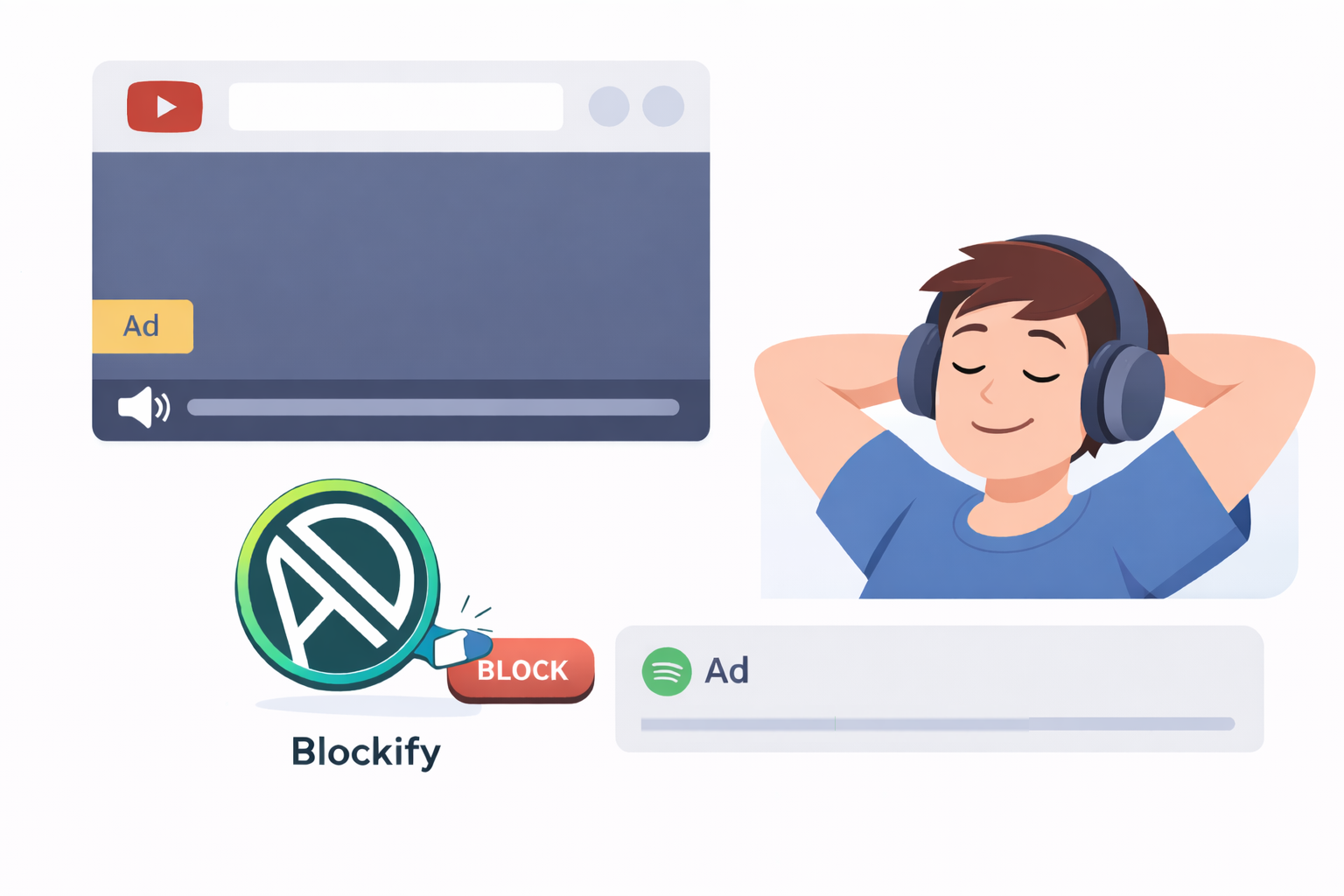
Most users search for AdGuard alternatives because generic blockers fail the "Torture Test": dynamic ad injections on streaming platforms. Because Spotify and YouTube serve ads from the same domains as the content, standard DNS blockers cannot stop them without breaking the media player.
Blockify solves this by operating as a specialized content engine. It listens to browser events rather than just filtering data packets.
Why it beats AdGuard:
- Surgical Precision: AdGuard attempts to filter HTTPS traffic by creating a local proxy (a resource-heavy process). Blockify operates at the content level, manipulating media player controls to mute, skip, or block ads instantly on platforms like Spotify. (Verified for Twitch & Hulu)
- The "Unskippable" Killer: Standard blockers often leave you staring at a black screen for 15 seconds. Blockify’s engine is designed to scrub these specific ad formats without triggering "ad blocker detected" warnings.
- Lightweight Footprint: Because it targets specific scripts rather than filtering every packet of data entering your device, it creates zero network lag.
If your primary annoyance is interruptions while watching media, a generalist tool is overkill. You need a specialist.
2. The "MV3 Survivor" (System-Wide): AdLock
Best for: Chrome users and Privacy Purists who need heavy filtering.
Google's transition to Manifest V3 (MV3) is changing how browser-based ad blockers work on Chrome. Extensions like uBlock Origin and the AdGuard Browser Extension are losing the ability to update filter lists dynamically and handle complex blocking rules.
AdLock is the strategic pivot for Chrome users. By running as a standalone application on Windows or macOS (rather than an extension), it bypasses browser restrictions entirely.
Why it beats AdGuard:
- The "MV3 Inversion": While AdGuard's extension is limited by Google's rules, AdLock filters traffic before it reaches Chrome. Google cannot restrict what it cannot see.
- No Root Required: On Android, AdLock achieves system-wide blocking on standard installs without requiring you to compromise device security or root your phone.
- Origin Trust: AdLock is developed by a team based in Slovakia and Cyprus (EU jurisdictions), offering a clear alternative for users avoiding Russian-linked software.
3. The "Battery Saver" (Cloud DNS): NextDNS & Control D
Best for: Mobile users dealing with overheating and battery drain.
If your phone feels hot while running AdGuard for Android, it is likely because your processor is encrypting and decrypting every single web request locally via the local VPN loop.
NextDNS moves this heavy lifting to the cloud. By changing your Private DNS setting in Android or iOS, the filtering happens on their server, not your phone.
Why it beats AdGuard:
- Zero Battery Impact: Since there is no app running in the background, your battery usage for ad blocking drops to virtually 0%.
- The "Teleport" Feature (Control D): A major competitor in this space, Control D, offers a feature AdGuard lacks: "Traffic Redirection." You can appear to be in the UK for BBC iPlayer while the rest of your traffic stays local. It functions as a "VPN-lite" without the speed penalty.
4. The "Trust & Privacy" Fortress: Portmaster
Best for: Open-Source advocates and privacy hardliners.
For some, blocking ads is secondary to blocking telemetry—the invisible data apps send back to developers even when you aren't using them. Portmaster (by Safing) is a comprehensive Application Firewall.
Why it beats AdGuard:
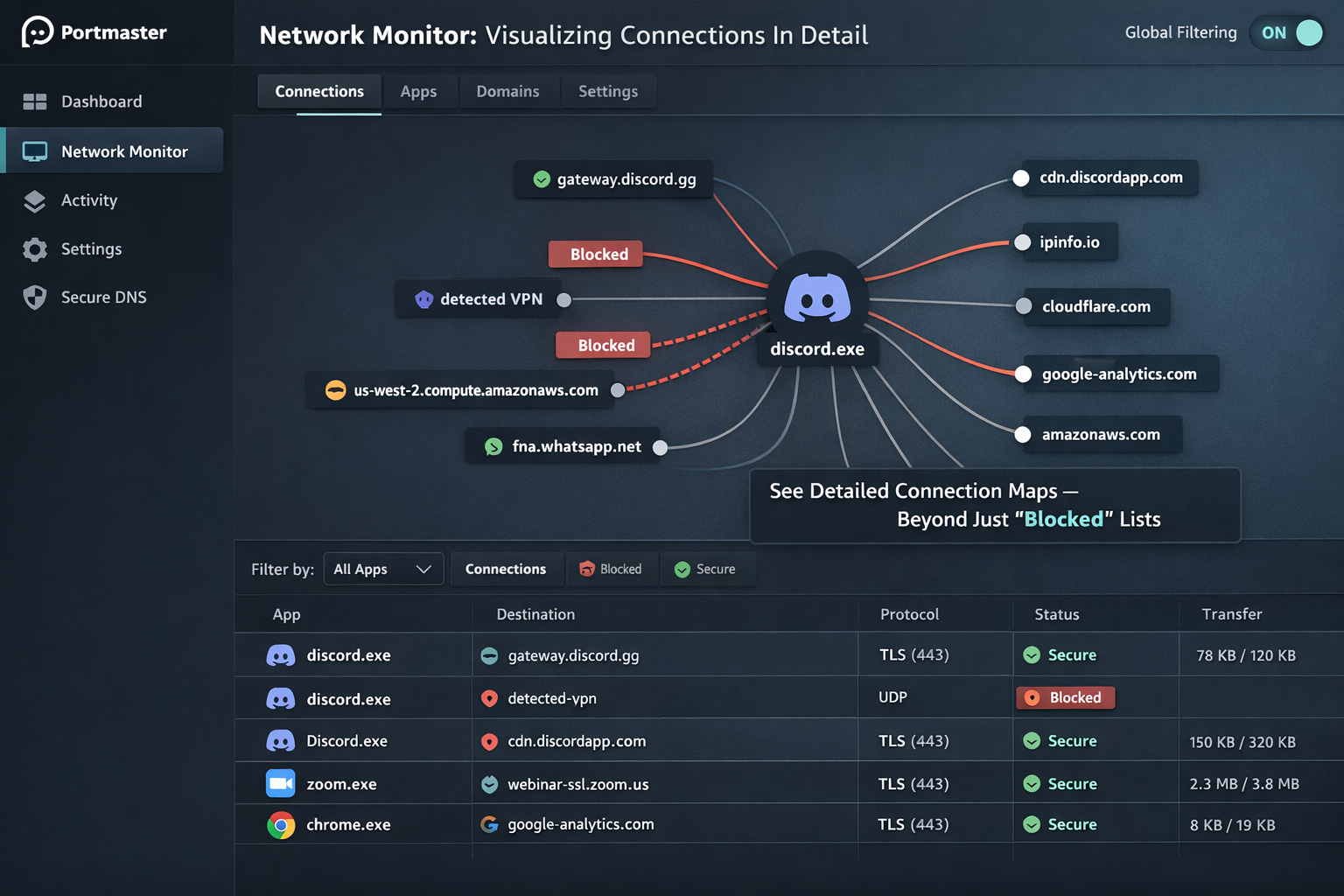
- Visualizing the Invisible: AdGuard tells you it blocked a request. Portmaster shows you a global map of every connection your computer is making. You can see exactly where Windows is "phoning home" and cut the connection entirely.
- No "Man-in-the-Middle": AdGuard filters HTTPS by installing a Root Certificate, technically breaking the chain of trust (a localized Man-in-the-Middle). Portmaster manages connections at the kernel level without needing to decrypt your banking traffic, preserving the integrity of SSL pinning in sensitive apps.
5. The "Homelab" Upgrade: Technitium vs. AdGuard Home
Best for: Self-hosters running a Raspberry Pi or NAS.
Many users start with AdGuard Home but hit a ceiling when managing complex home networks. Technitium DNS is the enterprise-grade upgrade for the enthusiast.
Why it beats AdGuard Home:
- Native Clustering: If you run two DNS servers (primary and backup), keeping AdGuard Home instances in sync is a manual process. Technitium supports clustering out of the box—change a setting on one, and it propagates to the other.
- True Recursion: Technitium can operate as a recursive resolver. This means it talks directly to the root internet servers rather than forwarding your data to an upstream provider like Google (8.8.8.8), ensuring no single company aggregates your browsing history.
FAQ: Common Questions About Switching
Is AdGuard technically Russian?
AdGuard was founded in Moscow. However, the company is now headquartered in Cyprus and states they have relocated their staff. While they are subject to EU laws, some privacy-conscious users still prefer AdGuard alternatives with no historical ties to Russia, such as NextDNS (USA/France) or AdLock (Slovakia).
Will NextDNS block YouTube Ads?
No. DNS-based blockers (including AdGuard DNS and NextDNS) cannot block YouTube video ads because the ads are served from the same domain as the video — which is why many users still rely on browser extensions or search for better Adblock Plus alternatives. To block these, you need a browser-based solution or a specialized tool like Blockify.
Is there a free alternative to AdGuard?
Yes. NextDNS offers a free tier (up to 300,000 queries/month), and Portmaster is free and open-source. For browser-only protection, uBlock Origin (on Firefox) remains the gold standard for free filtering.
Final Verdict: Which Stack Should You Choose?
AdGuard tries to do everything, which makes it heavy. In 2026, the smart move is to pick the tool designed for your specific architecture.
- The Streamer: If you live on Spotify, YouTube, and Twitch, get Blockify to handle the complex media ads other blockers miss.
- The Chrome User: If you refuse to switch to Firefox, you need AdLock. It is the only way to keep "uBlock-level" protection on a browser limited by Manifest V3.
- The Mobile Traveler: If battery life is your priority, delete the app and set up NextDNS or Control D.
- The Privacy Purist: If you want total visibility into your machine's connections, install Portmaster.
Recommendation: Start light. Test Blockify for your browser and NextDNS for your mobile. Only move to heavy system-level apps if these lightweight AdGuard alternatives don't cover your needs.




Join the Discussion